

LinkedIn marketing for Dynamics 365 partners
Microsoft is winding Dynamics GP down, and Business Central ships two major releases a year. We interview the consultants handling both and publish their thinking on LinkedIn for finance and IT leaders in the UK and US.

“I just wanted to share that I’ve been really impressed with the work Alex is producing for several of our UK partners. The approach around multi-touch, multi-channel campaigns and the focus on more targeted, high-quality content is clearly delivering strong results.”

Results from our last three ERP success stories
Organic LinkedIn activity only, measured in LinkedIn Page Analytics.
For partners selling Business Central, Finance and Supply Chain
Microsoft partners earn from implementations, GP migrations, apps that extend Dynamics 365 and consultants placed on projects. Each of those businesses needs its own story on LinkedIn.
Finance directors still on GP; IT managers; Operations directors; Wholesale distribution; Professional services; Assembly and manufacturing
Business Central services partners
Implementations for small and mid-sized firms, GP migrations and the twice-yearly update cycle.
Finance and Supply Chain partners
Dynamics 365 Finance and Supply Chain Management programmes for organisations beyond the SMB bracket.
ISVs
Apps that extend Business Central or Finance and Operations, sold through Microsoft’s marketplace.
Dynamics staffing firms
Placing Business Central and Finance consultants on implementation and support projects.
Why Dynamics 365 partners lose momentum on LinkedIn
Three problems we keep finding, each one from a real client engagement.
Posting happens when someone has time
No cadence, no content plan and no quality control.
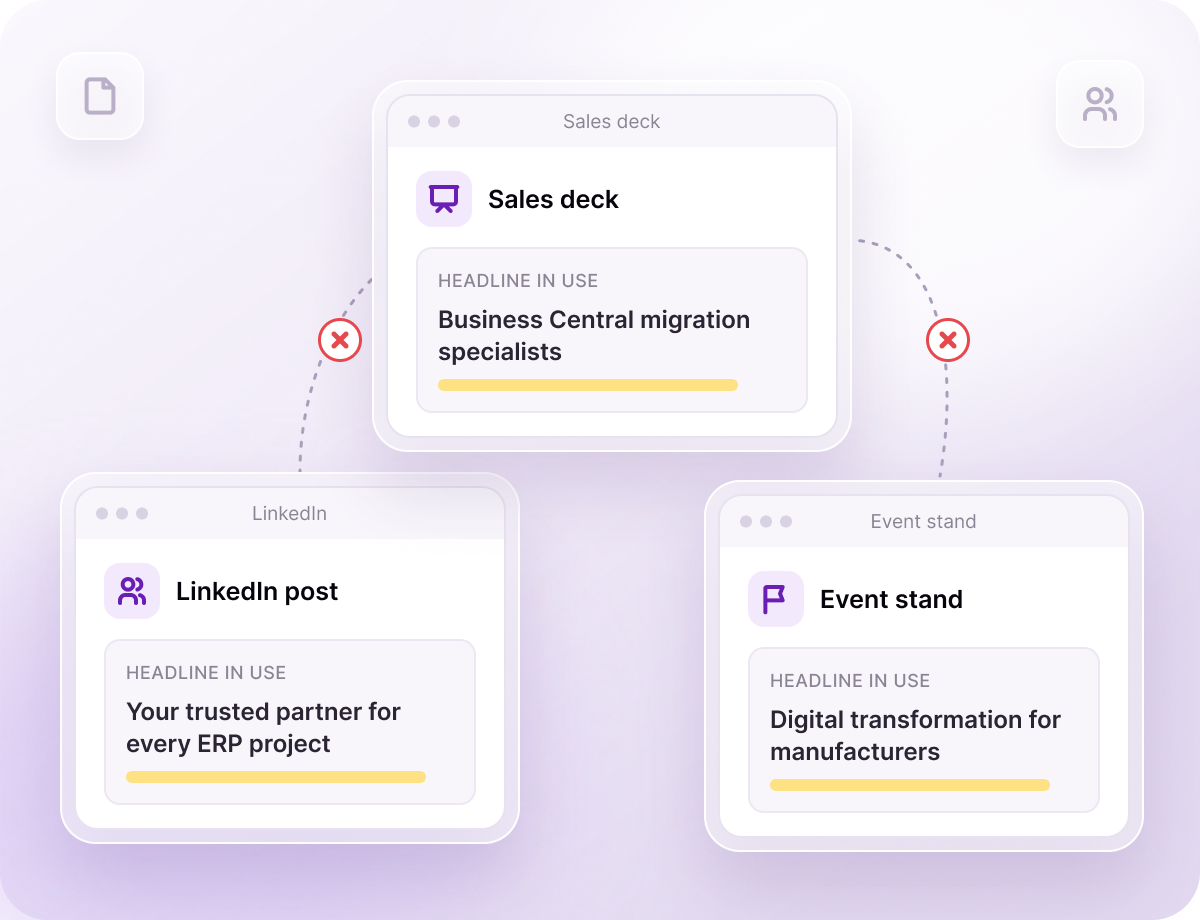
Every channel tells a different story
LinkedIn, sales collateral and event materials say slightly different things, so your delivery strength never comes through.
Technical buyers tune out marketing
IT directors and senior decision-makers are wary of anything that reads like a sales pitch.
Your Dynamics 365 LinkedIn, run by one team
One team plans, writes, designs, publishes and reports, so your consultants stay on delivery.
Pillars built on your Dynamics services
GP migrations, Business Central go-lives, release wave readiness and the apps or support plans you sell.
Writing from consultant interviews
We interview your consultants and write the posts. Nobody on your team has to draft anything.
Design: carousels and visuals
Carousels and graphics designed to a professional standard, with optional video where it adds value.
Publishing and reporting
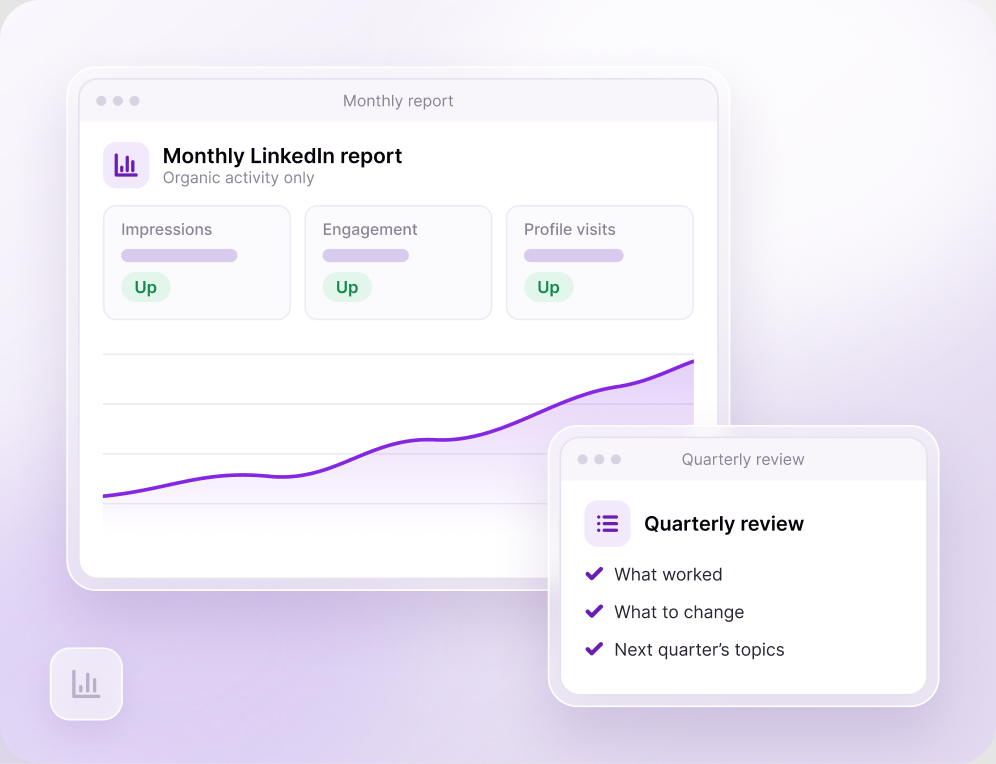
Scheduling, a monthly report and a quarterly review of what to change.
Recent work for ERP consultancies
Each sample shows who it was for and what it was for.

Case study carousel

Thought leadership post

LinkedIn article banner

Consultant profile
Our latest win for an ERP consultancy
Structured marketing programme for a specialist IFS implementation partner
Strong delivery and IFS expertise weren’t reflected in the firm’s marketing. LinkedIn, sales collateral and event materials told slightly different stories, and there was no publishing schedule, approval process or reporting.
Four Dynamics 365 posts worth drafting first
These are proposals. GP migration stories suit a Business Central practice; a Finance and Supply Chain team would swap them for its own programmes.
What moving from GP to Business Central involves
Microsoft has published end dates for GP support. Your consultants explain data, customisations and timing for finance teams still on GP.
Getting ready for each Business Central release wave
Major updates land every April and October with a five-month update window. Show customers how you test extensions before it closes.
Where Copilot in Business Central saves time
A consultant walks through bank reconciliation or sales line suggestions with Copilot, and shows where human review still matters.
Business Central or Finance and Supply Chain?
A plain comparison of when a growing company stays on Business Central and when Finance and Supply Chain Management fits better.
Your first 90 days
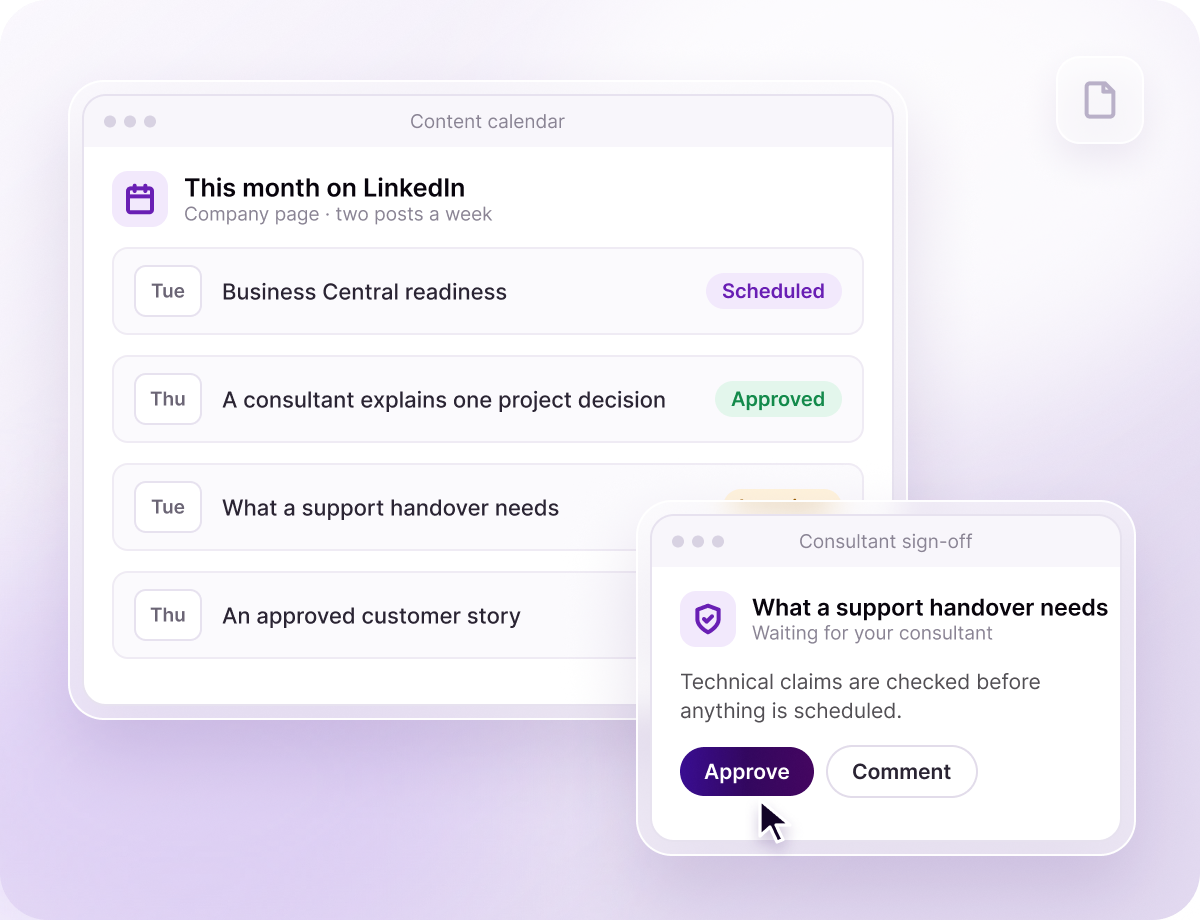
Your consultant signs off every technical claim before anything goes live.
Kickoff and consultant interviews
We learn your services, your buyers and the projects worth talking about.
Content pillars and the first month’s calendar
You approve the plan before anything is written.
Writing and technical sign-off
Your nominated consultant checks the technical claims in every post.
Publishing at the agreed cadence
Set by your scope. One ERP consultancy we work with posts twice a week.
Monthly report and quarterly review
What moved, what to change and next quarter’s topics.
Ascension vs the alternatives
Pick the option you’re weighing up and see the difference side by side.
What our ERP clients say

"Alex has been instrumental in supporting our social media campaigns and marketing materials. He is great to work with and is always looking for new ways to develop content and ideas, with a clear drive to make sure our marketing and brand stand out."
“Substantial traffic increase across all media platforms and increased leads.”
“Pleasure to work with. Responds promptly, and always happy to listen to the team for our feedback to get the required finished article.”
“Agile and smart thinking to quickly achieve outstanding outcomes and tangible results.”
Three ways to run LinkedIn with us
A monthly retainer, scoped to the services you need. Commitment is agreed at scoping.
Strategy & Direction
A LinkedIn plan and templates. Your team does the posting.
Done With You
We create the content with your team’s input.
Your Dynamics 365 questions, before the first call
Answered honestly, before your first call.

Further reading for Microsoft partners
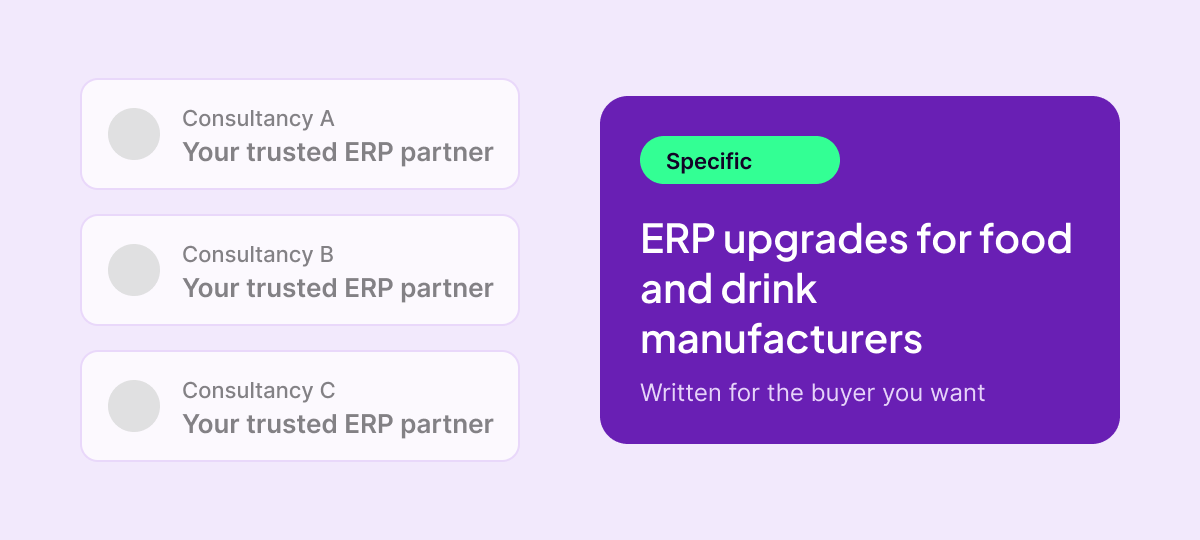
How to market ERP software without sounding like every other consultancy
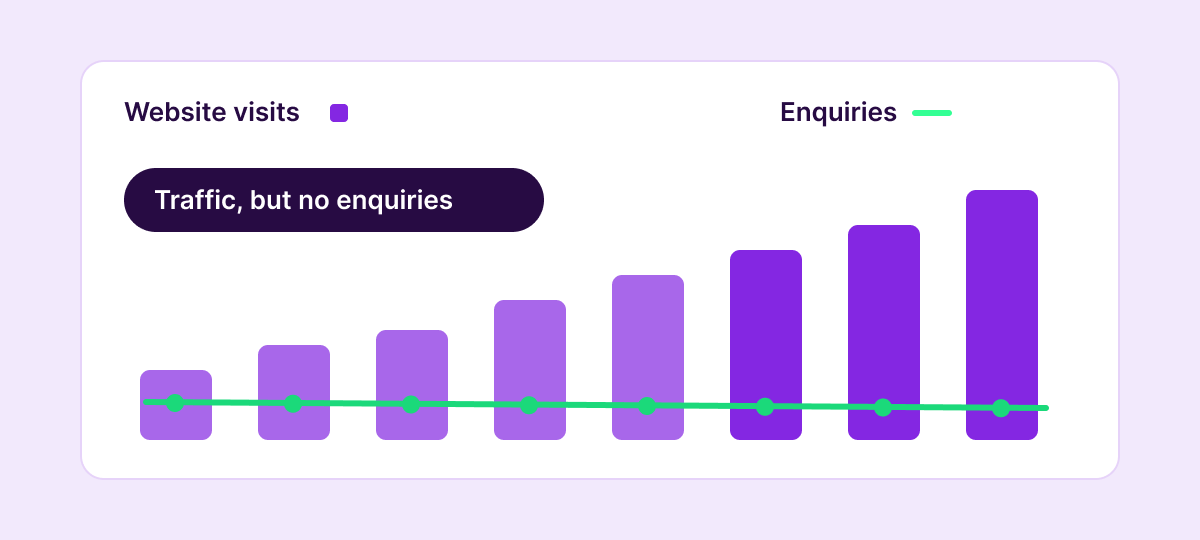
Why your ERP consultancy isn’t getting inbound enquiries
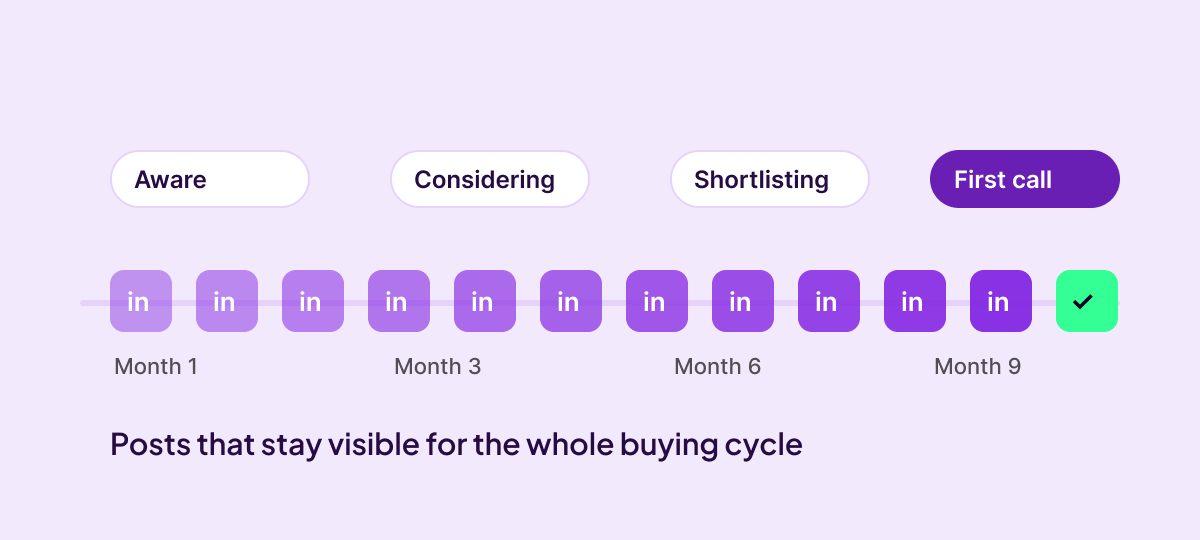
LinkedIn content strategy for ERP consultancies with long sales cycles
Plan your GP migration content with us
Bring a rough count of customers still on GP and the Business Central services you sell. We’ll sketch a first month.

Specialist marketing for ERP consultancies. LinkedIn-led, sales-aligned, and built around how the ecosystem actually works.
